How to reset Plesk admin password
Contents
Managed VPS
It’s possible to reset the password for your Managed VPS Plesk control panel at anytime via your Layershift Dashboard at dashboard.layershift.com .
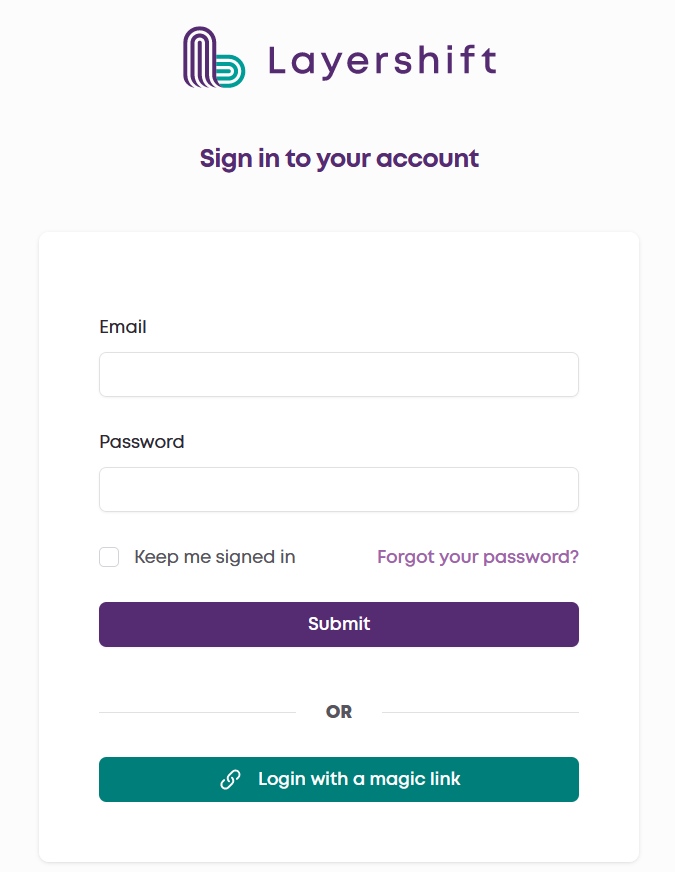
- Log in to dashboard.layershift.com using your username and password or the Magic Link.
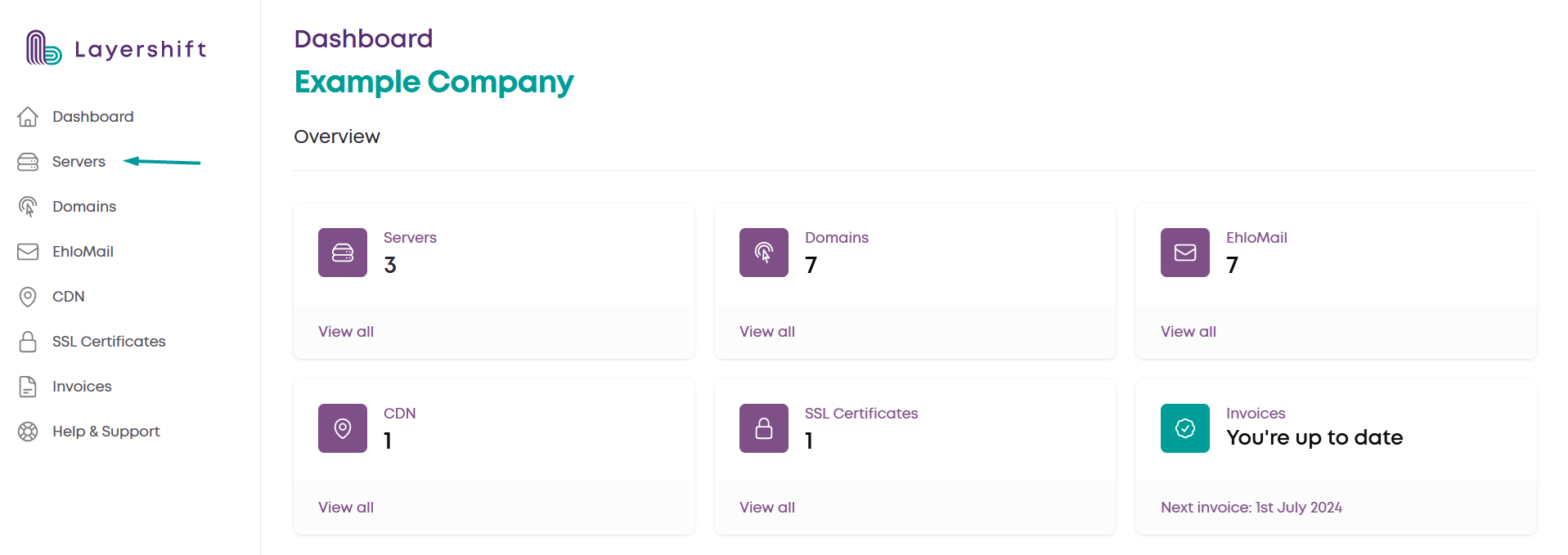
- Access the Servers section
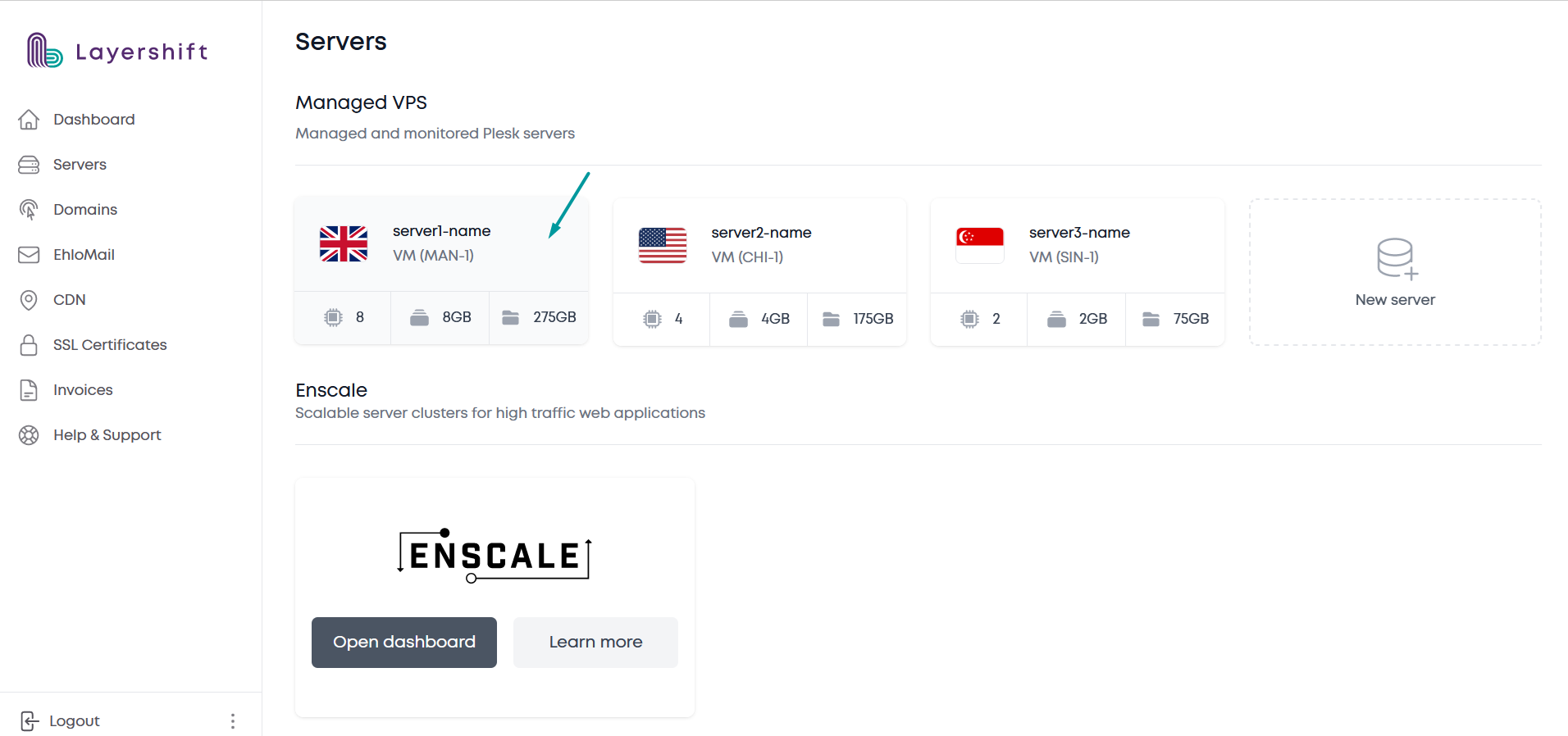
- Select the server
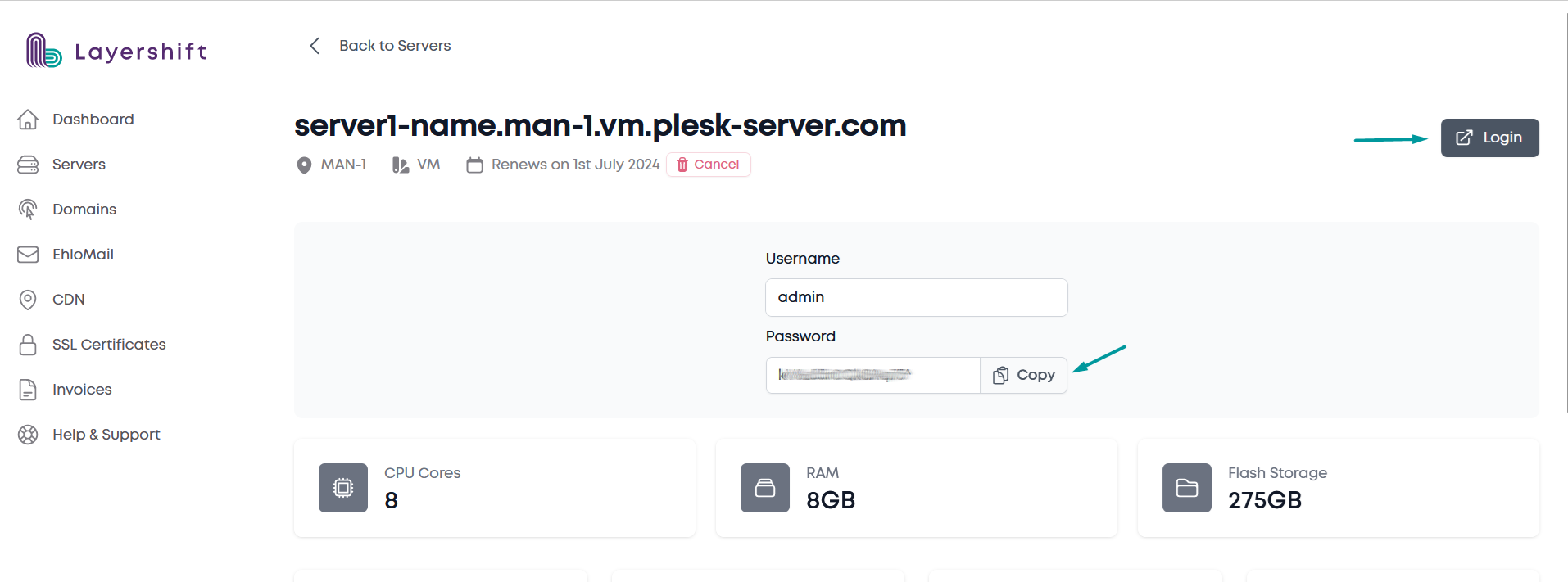
- Reset password
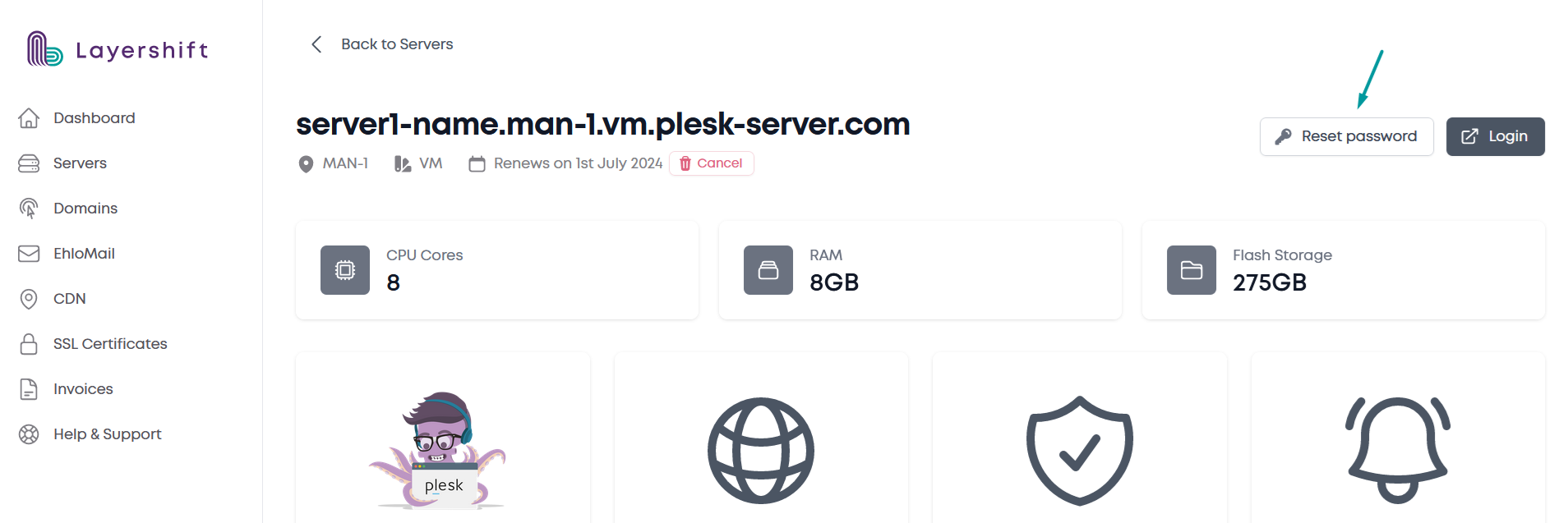
- Copy the new password and click on the Login button