Installing Supervisor
Contents
Supervisor is a process manager that manages long-running programs. To avoid configuration conflicts among the different webspaces, supervisor can be installed via the webspace user.
Enabling SSH access
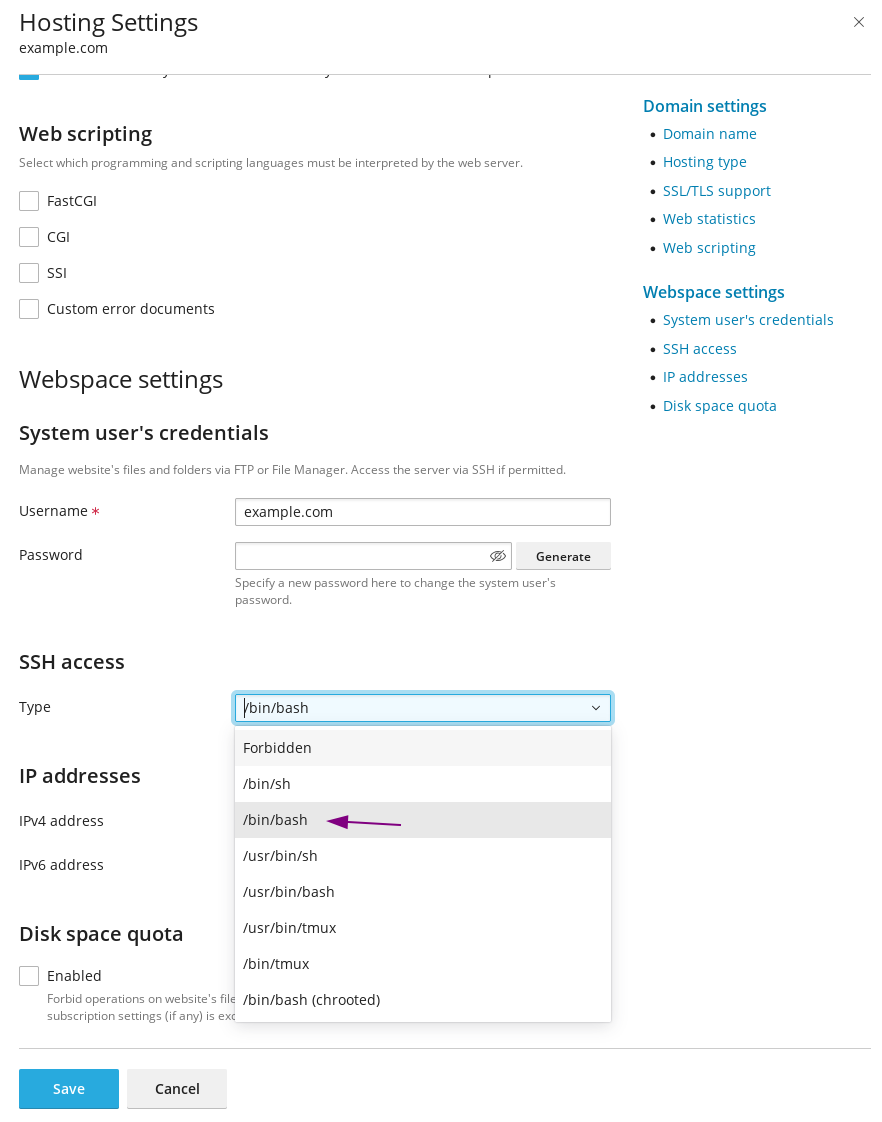
As a prerequisite, SSH access needs to be enabled.
This can be achieved by accessing the hosting & DNS settings:
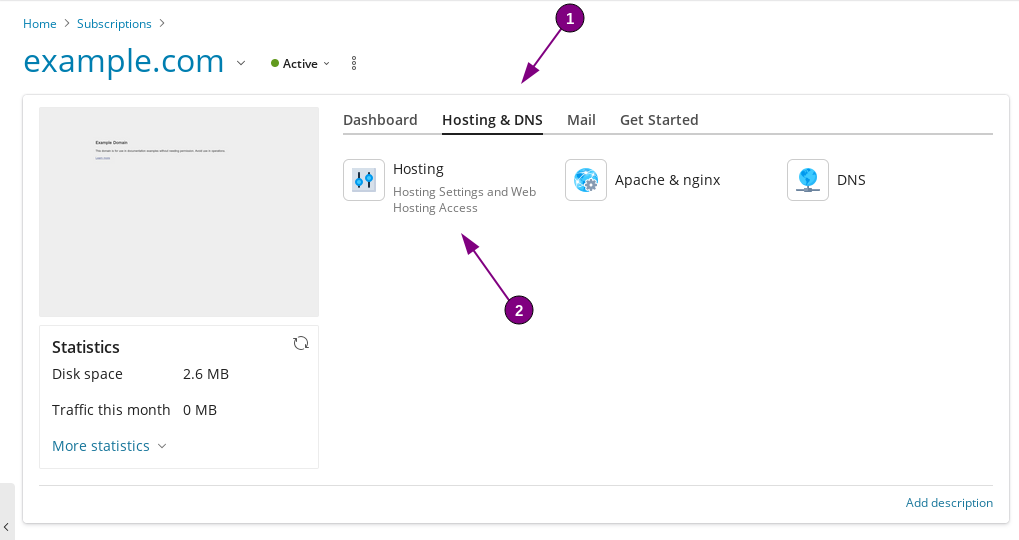
and selecting /bin/bash:
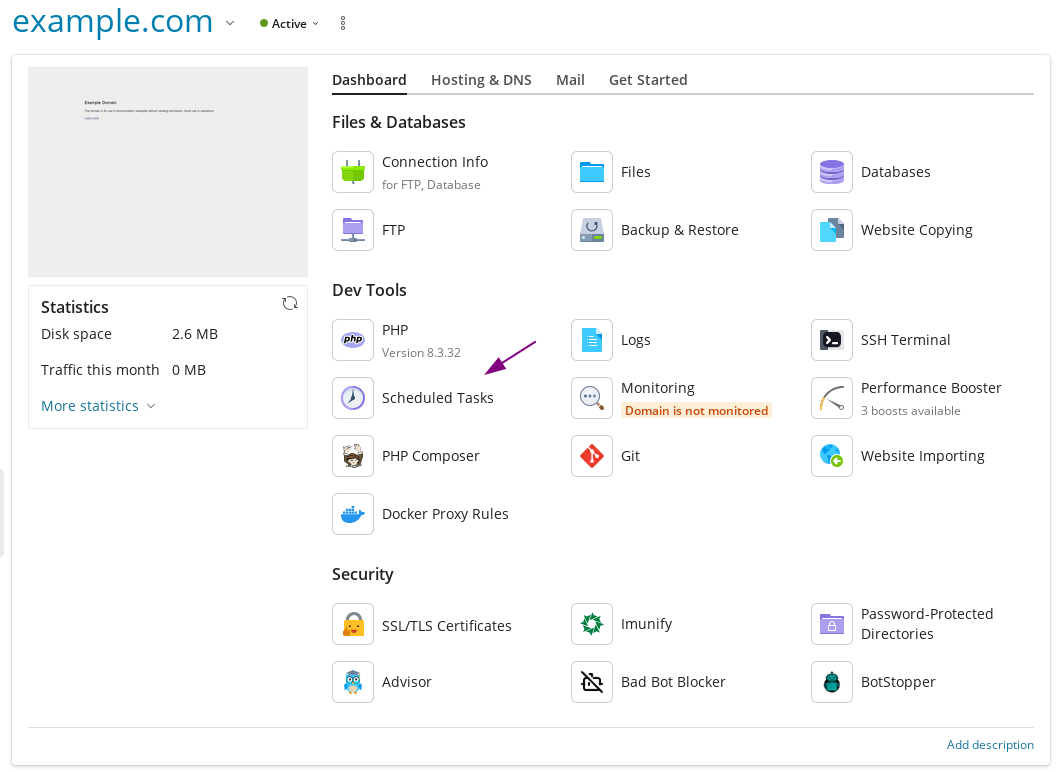
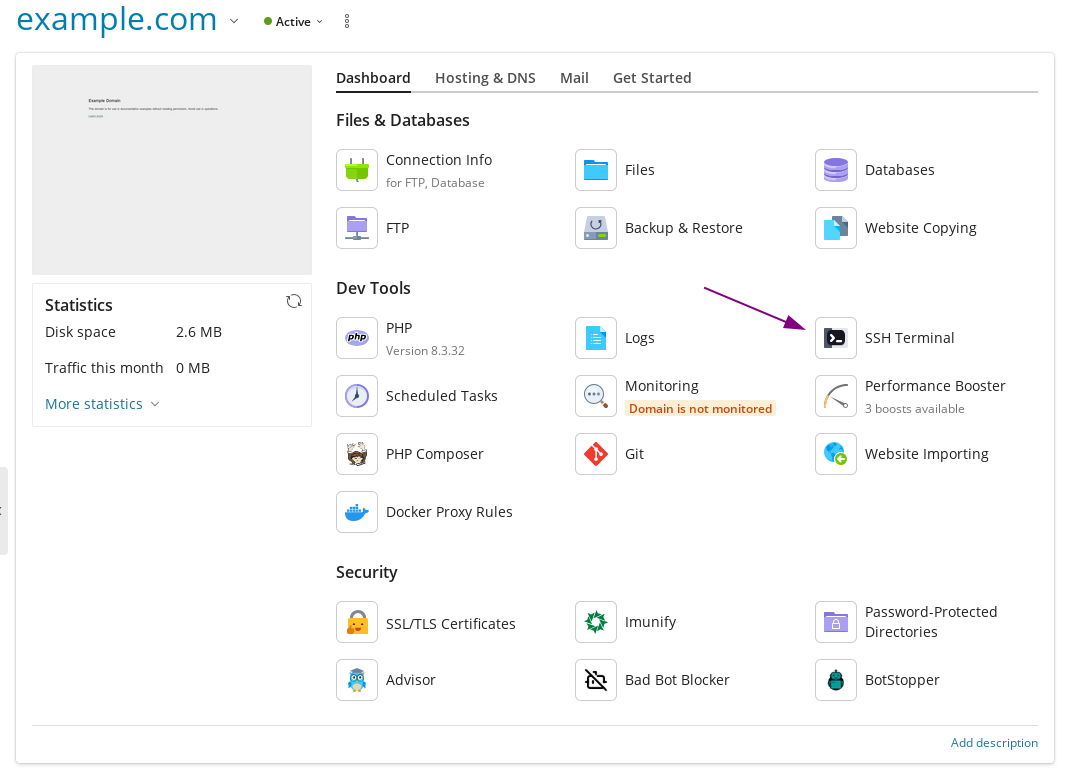
Once enabled, we can login via SSH using the SSH Terminal button:
Installing supervisor and adjusting configuration files
Next, we install supervisor via pip, as --user:
pip3 install --user supervisorEdit ~/.profile with your preferred editor:
vi ~/.profileAdd the following lines:
export PATH=~/.local/bin/:$PATH
alias supervisorctl='supervisorctl -c ~/.local/etc/supervisord.conf '
alias supervisord='supervisord -c ~/.local/etc/supervisord.conf '
Run the following to source the updated .profile file:
source .profileCreate a folder for the service files:
mkdir -p ~/.local/etc/supervisor.dGenerate the configuration file:
echo_supervisord_conf > ~/.local/etc/supervisord.confMake the following adjustments to the supervisord configuration, changing the following lines:
file=/tmp/supervisor.sock ; the path to the socket file
logfile=/tmp/supervisord.log ; main log file; default $CWD/supervisord.log
pidfile=/tmp/supervisord.pid ; supervisord pidfile; default supervisord.pid
serverurl=unix:///tmp/supervisor.sock ; use a unix:// URL for a unix socket
to point to the .local folder:
file=~/.local/supervisor.sock ; the path to the socket file
logfile=~/.local/supervisord.log ; main log file; default $CWD/supervisord.log
pidfile=~/.local/supervisord.pid ; supervisord pidfile; default supervisord.pid
serverurl=unix://~/.local/supervisor.sock ; use a unix:// URL for a unix socket
And in the same configuration file, uncomment (removing the leading ;) the last two lines, and adjust the files variable to point to our previously created service file location:
Changing these lines:
;[include]
;files = relative/directory/*.ini
To this:
[include]
files = supervisor.d/*.ini
Creating the supervisor scripts
Create the desired service files(s) in ~/.local/etc/supervisor.d/. An example file running_script.ini contains the following:
[program:running_script]
command=/bin/bash ~/script.sh
autostart=true
autorestart=true
An alternate example file that will spawn two processes (adjustable by the numprocs variable):
[program:running_script_multiple]
command=/bin/bash ~/script.sh
numprocs=2
startsecs=0
autostart=true
autorestart=true
process_name=%(program_name)s_%(process_num)02d
Creating and scheduling the Supervisor watcher script
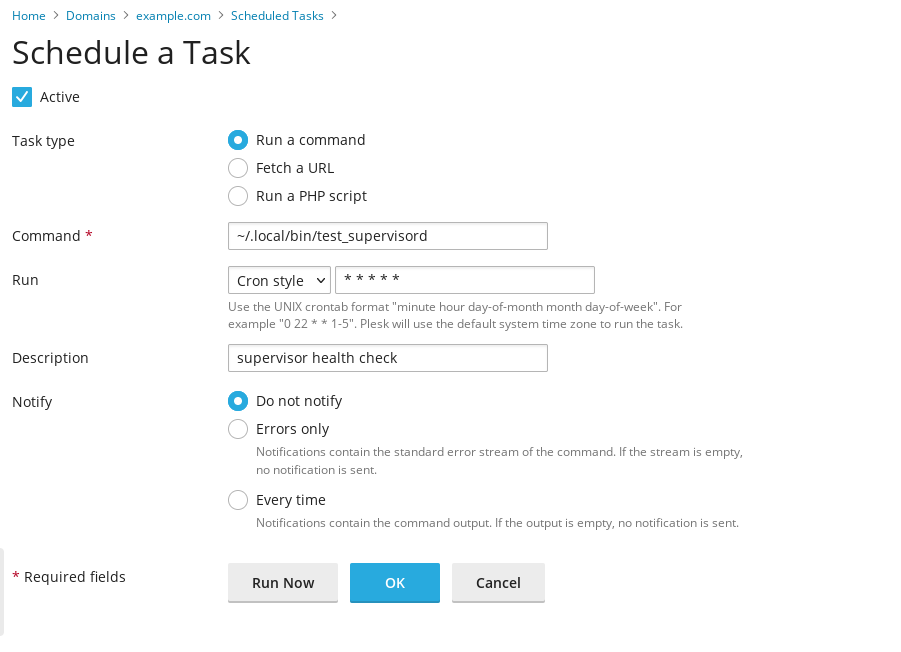
Create the following script under ~/.local/bin/test_supervisord that checks if supervisord is running:
#!/bin/bash

export PATH=~/.local/bin/:$PATH
alias supervisorctl='supervisorctl -c ~/.local/etc/supervisord.conf '
alias supervisord='supervisord -c ~/.local/etc/supervisord.conf '

supervisorctl status 2>&1 >/dev/null
if [ $? -ne 0 ]; then
supervisord
fi
Make it executable:
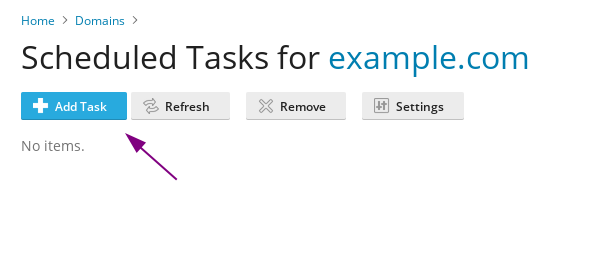
chmod +x ~/.local/bin/test_supervisordAnd add the script as a scheduled task in Plesk: