How to register an account
You can register a helpdesk account to get easy access to all previous tickets opened for your email address.
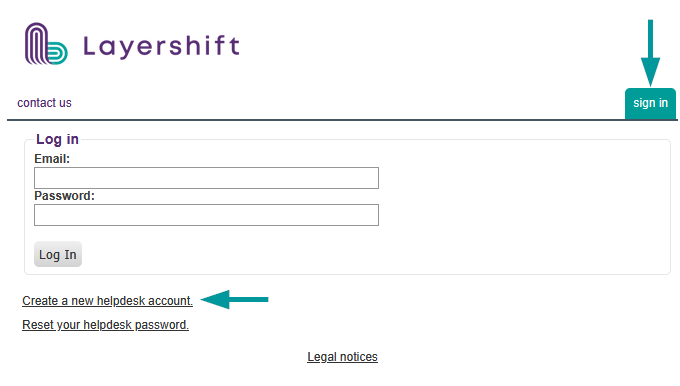
Just access the helpdesk, click on sign in then on Create a new helpdesk account
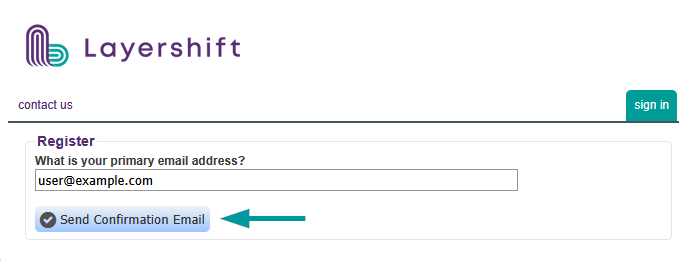
Fill in your email address and click on Send Confirmation Email
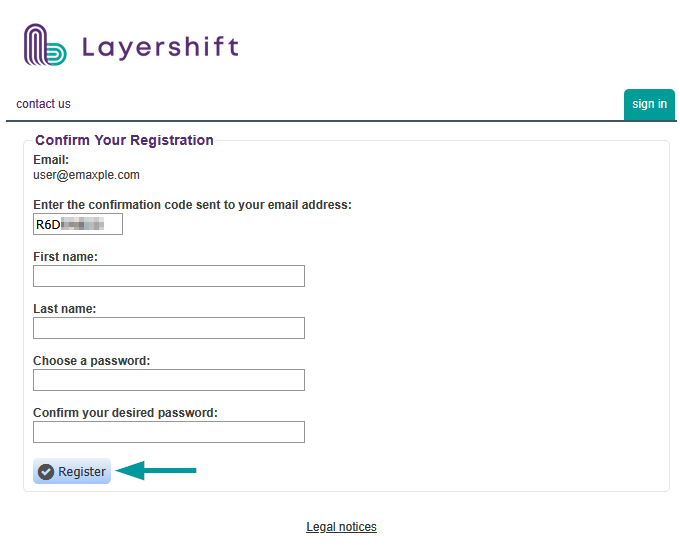
Check your inbox for a new email with subject "Please confirm your email address". Fill in the confirmation code along with your full name and unique password
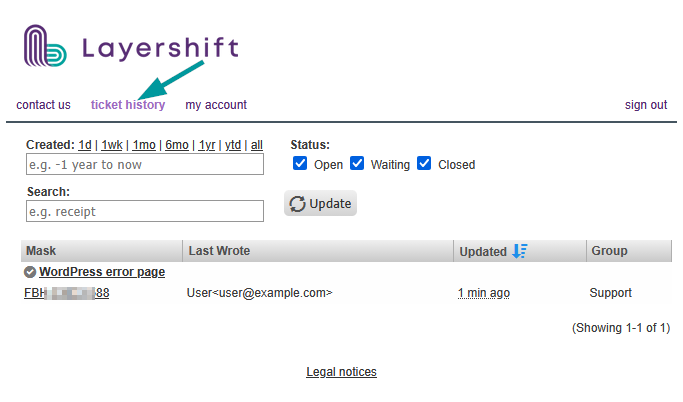
Once logged in, you can view all previous tickets created for your email address, change helpdesk account settings or open a new ticket.