Helpdesk user guide
Contents
A helpdesk account allows you to get in touch with us even if you don't have access to your email account. Once you register, you can view the current and all previously created tickets.
Access to your email account is required for helpdesk registration (or if you need to reset your helpdesk password)
Contact us
Access the helpdesk, select a category and describe the issue you are encountering.
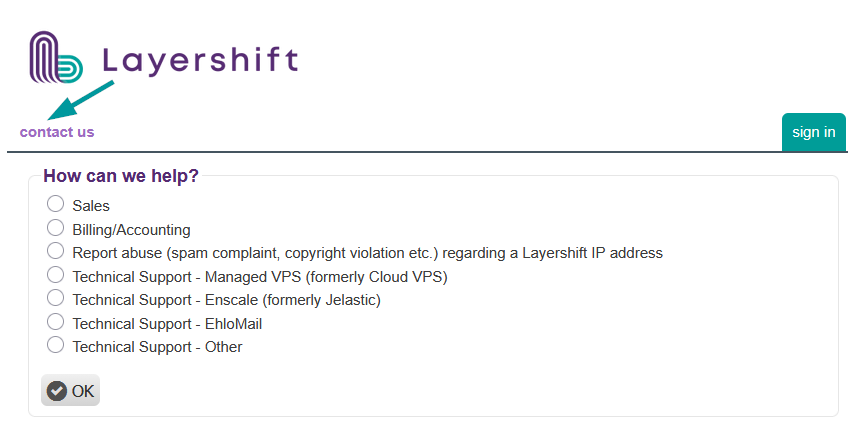
Your ticket may be routed to a different team (with different skills or working hours) depending on your selection, so please take a moment to select the most appropriate option for your issue
Ticket history
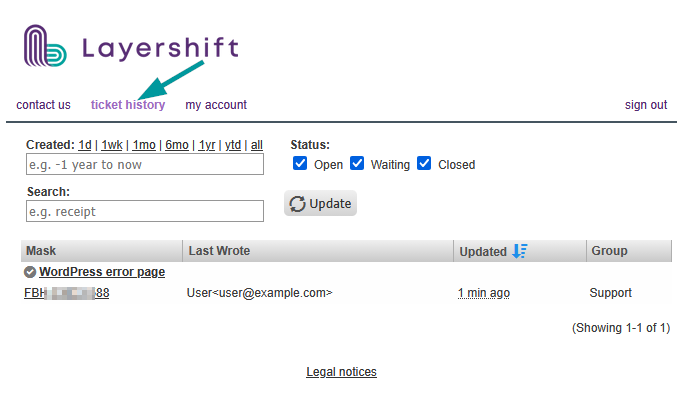
Here you can see all the tickets created with one of your email addresses. You can filter the list by creation date, status or keyword.
Profile
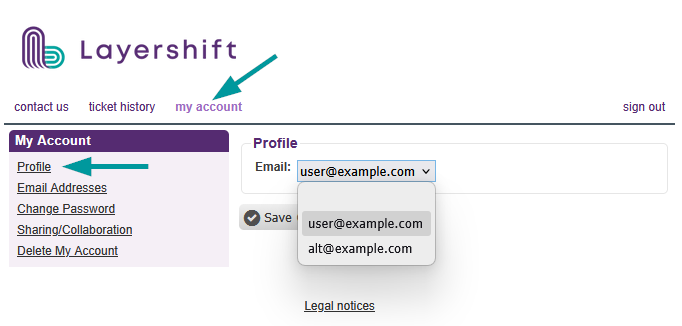
You can aggregate multiple email addresses under the same helpdesk account. Here you can switch between them. This will be the prefilled email address when submitting new tickets.
Email addresses
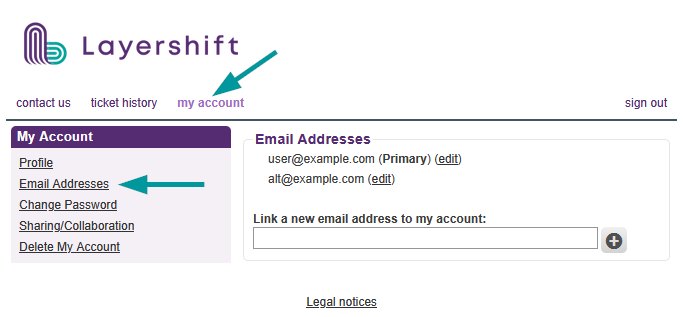
Here you can add additional email addresses to your helpdesk account. You will have to confirm ownership of the email address by submitting the emailed confirmation code.
Change password
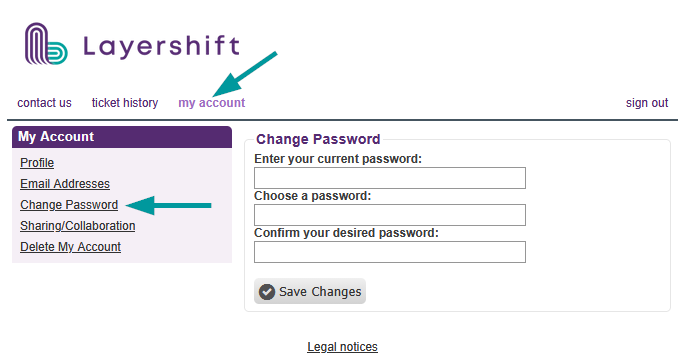
Here you can change your current helpdesk account password.
Sharing and collaboration
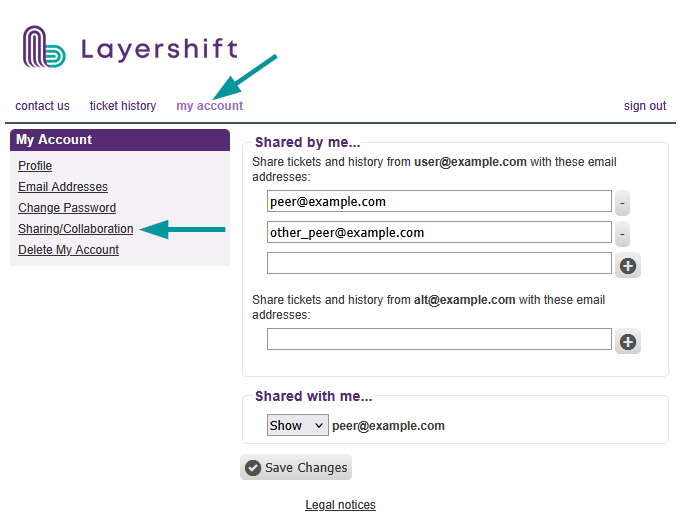
This section allows you to share your ticket history with your colleagues, and see which of your colleagues are sharing their ticket history with you.
Shared by me
You can individually control ticket sharing for each email address you add to your helpdesk account.
Shared with me
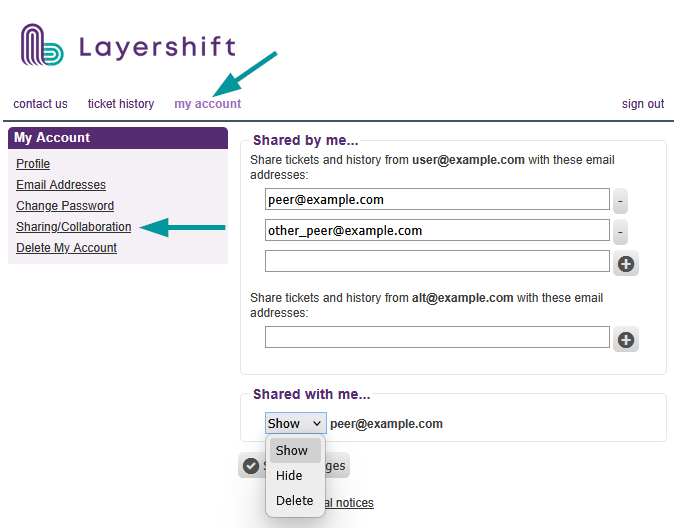
When someone shares their ticket history with you, you can opt to show or hide the shared tickets from your account's ticket history.
If you no longer want to have access to the shared tickets, you can remove the link.
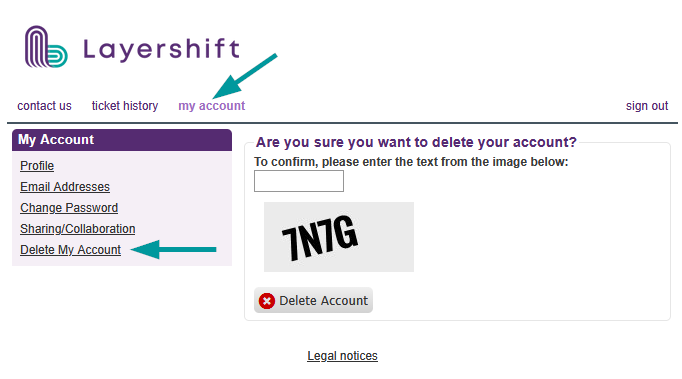
Delete my account
This is ONLY regarding deleting your helpdesk account. Your existing tickets are not removed by doing this, and it has no impact on your hosting services/subscriptions etc.
You can regain access by registering a new account with the same email address.